




EMIRATES ID • UAE GUIDE
Emirates ID Status Check Online in UAE
The Emirates ID status check service allows UAE residents and citizens to track their Emirates ID application, renewal, replacement, or delivery status online. You can check the status through the official ICP website, UAEICP mobile app, ICP Smart Services portal, or by calling ICP customer support.
To check your Emirates ID status, you need your PRAN number, Emirates ID number, request number, or in some cases, your passport number.
What is the Emirates ID?
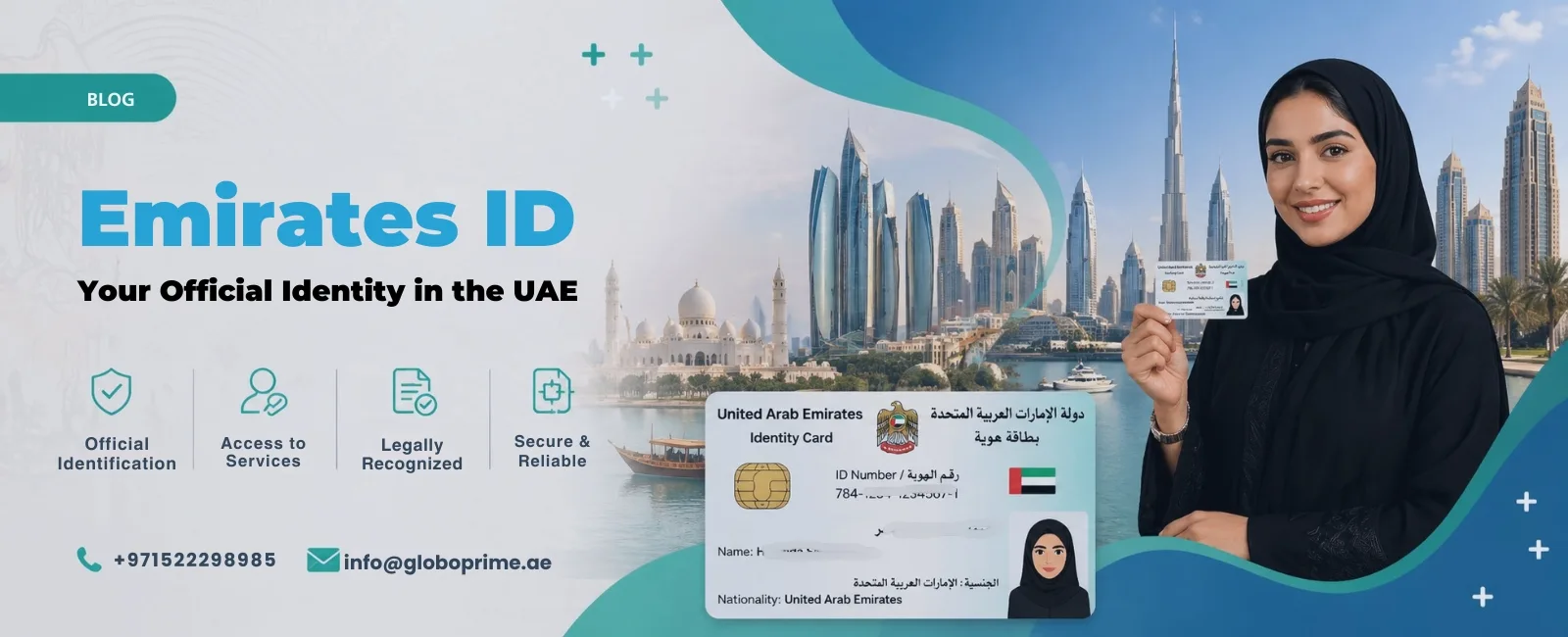
The Emirates ID is a mandatory, government-issued smart identification card for all citizens and residents of the United Arab Emirates. Issued by the Federal Authority for Identity, Citizenship, Customs & Port Security (ICP), it officially serves as your primary proof of identity and residency, completely replacing the traditional physical visa sticker in your passport.
It is legally required for every individual living in the UAE, including newborns, and must be carried at all times.
The Anatomy of the Emirates ID Card
To understand why the card is required for nearly every aspect of life in the UAE, you must understand the technology behind it. The physical card is highly secure and consists of three main components:
The 15-Digit Identification Number:
A unique, lifelong number assigned to you. Even if you leave the UAE and return years later, this number remains yours. (Format: 784 – Year of Birth – Random 7 Digits – Verification Digit).
The Smart Chip:
An embedded electronic chip capable of holding up to 32,000 bytes of data. It securely stores your encrypted biometric data (fingerprints and high-resolution facial scans) and public key infrastructure (PKI) digital certificates.
Physical Security Features:
The card utilizes UV ink, micro-text, and line drawing to exceed the security standards of standard banking credit cards, making forgery virtually impossible.
What Does the Emirates ID Unlock? (Key Benefits & Uses)
The Emirates ID is not just an identification badge; it is the universal key to the UAE’s digital and physical infrastructure. You cannot function in the country without it.
1. Digital Government & UAE Pass
Your Emirates ID is linked directly to your UAE Pass, the national digital identity platform. This allows you to log into hundreds of government and private sector portals (like the RTA, Dubai Police, or Dubai Land Department) instantly, without needing physical paperwork.
2. Immigration and Smart Gates
Expatriate residents can use their Emirates ID to pass seamlessly through the automated Smart Gates at Dubai International Airport (DXB) and Zayed International Airport (AUH) without needing their passport stamped. For UAE citizens, it acts as a valid travel document within the GCC.
3. Day-to-Day Essentials
You are legally required to present a valid Emirates ID to:
- Open or manage a corporate or personal bank account.
- Sign a residential or commercial lease (Ejari).
- Connect home utilities (DEWA/ADDC).
- Activate a local mobile phone plan (Etisalat/Du/Virgin).
- Access healthcare systems and register for mandatory health insurance.
- Register a vehicle or apply for a UAE driving license.
2026 Emirates ID Costs and Validity
The validity of your Emirates ID is directly tied to the validity of your UAE residency visa. The base government fees are standard across all emirates, though minor typing center or urgent processing fees may apply.
| Visa Type / Validity | Standard Processing Fee |
|---|---|
| 1-Year Visa | ~AED 170 |
| 2-Year Visa | ~AED 270 |
| 3-Year Visa | ~AED 370 |
| 10-Year Golden Visa | ~AED 1,150 |
How to Check Emirates ID Status Online
To check your Emirates ID status online, visit the official ICP Smart Services portal (smartservices.icp.gov.ae), navigate to the ID Card Status page, and enter your Application Number (PRAN) or existing Emirates ID number.
Step 1: Visit the ICP ID Card Status Page
Open the official Federal Authority for Identity, Citizenship, Customs & Port Security (ICP) website and go directly to the “ID Card Status” service portal.
Step 2: Enter Your Details
Input your tracking information into the search bar. You can use any of the following:
- PRAN (Application Request Number)
- Emirates ID Number (Use this if you are applying for a renewal or replacement)
Step 3: Submit the Request
Click the submit button. The system will immediately display your current Emirates ID application status alongside a detailed progress history log.
How to Check Emirates ID Status with Passport Number
If you do not have your PRAN or Emirates ID number yet, you can track your application status using your passport details on the ICP Smart Services portal.
This method is particularly useful for new UAE residents who have completed their initial visa and medical processes but have not yet been assigned an official Emirates ID number.
To use this search method, you will need the following details ready:
- Passport number
- Nationality
- Date of birth
- Visa or application details
How to Check Emirates ID Status on UAEICP App
You can also track your Emirates ID application directly from your smartphone using the official UAEICP mobile app.
Steps to track via the app:
- Download the UAEICP app from the App Store or Google Play.
- Log in using your verified UAE Pass or your ICP account credentials.
- Select the ID Card Status service from the main menu.
- Enter your PRAN, Request Number, or Emirates ID number.
- View your latest application status on the dashboard.
Note: Once your application reaches the approved stage, the app will instantly generate and display your legally valid digital Emirates ID.
How to Check Emirates ID Status by Phone
If you cannot access the online portals, you can contact ICP customer support to check your application status over the phone. Make sure to have your PRAN, Emirates ID number, or passport details ready before calling to avoid delays.
- Inside the UAE: Call 600522222
- Outside the UAE: Call +971 600 522222
What Is a PRAN Number in Emirates ID?
PRAN stands for Personal Registration Acknowledgement Number. It is the unique tracking and application number issued by the ICP when you first apply for a new Emirates ID. PRAN is the primary number used for tracking the status of new ID applications.
You can find your exact PRAN number in the following places:
- Printed at the top of your Emirates ID application receipt.
- Inside your personal ICP Smart Services online account.
- In the confirmation SMS or email you received after submission.
- On the physical registration form provided by the authorized typing center.
Emirates ID Status Meanings
When you check your Emirates ID status through the Federal Authority for Identity, Citizenship, Customs and Port Security portal, you may see different status messages.
Each status reflects a specific stage in your application process. Understanding these helps you take the correct next step without delays.
Emirates ID Status Table
| ICP Status Message | What It Means | What You Should Do Next |
|---|---|---|
| Waiting for Biometrics | Your application is submitted but biometric data (fingerprints, eye scan) is pending. | Book a biometrics appointment via the UAEICP app or visit an authorised centre. |
| Pending Verification | ICP is waiting for your medical fitness results to sync from DHA/MOH systems. | Wait for medical approval. No manual action required unless delayed. |
| Returned for Modification | Your application has an error (data mismatch, missing documents, incorrect details). | Log in to the portal, check notes, fix errors, and resubmit immediately. |
| Approved / In Process | Your application has passed verification and is moving to card production. | Download your digital Emirates ID via UAE Pass or UAEICP app. |
| Printed | Your Emirates ID card has been produced. | No action needed. Wait for dispatch notification. |
| Dispatched | Your card has been handed over to Emirates Post for delivery. | Track your shipment using the Emirates Post tracking number received via SMS. |
How to Access Your Digital Emirates ID
You do not need to wait 7 to 10 working days for the physical plastic card to arrive in the mail to begin your life or business in the UAE.
The moment your ICP status updates to “Approved” or “Printed,” a legally valid electronic version of your Emirates ID is generated. This digital version features a secure cryptographic QR code and is legally mandated for acceptance by all UAE banks, telecom providers (Etisalat/Du), and government entities.
Steps to download the digital copy:
- Download the official UAEICP Mobile App (available on iOS and Android).
- Log in using your verified UAE Pass. You can learn how to use it here: How to use UAE Pass.
- Navigate to the “Personal Dashboard.”
- Select “View Emirates ID” to generate and download the high-resolution PDF of your card.
Tracking Your Emirates ID Delivery
Once your ICP status shows “Dispatched,” the Federal Authority’s tracking ends, and the physical delivery is managed by Emirates Post.
Find Your Tracking Number:
Look for an automated SMS from Emirates Post containing your specific Shipment ID.
Track the Courier:
Enter that tracking number on the Emirates Post Tracking Portal (emiratespost.ae).
Collection vs. Delivery:
If your application utilized a corporate PO Box, the card will be delivered directly there. Otherwise, Emirates Post routes it to the public post office branch closest to your registered address.
Branch Pickup:
If the Emirates Post tracker displays “Ready for Collection,” you can walk into that specific post office branch with your passport to collect your Emirates ID over the counter.
Corporate Emirates ID Management & PRO Services
For HR managers and business owners processing 10, 50, or 100+ employee visas simultaneously, manually tracking individual PRAN numbers is an inefficient use of operational resources.
Companies should utilize the Establishment Account feature on the ICP Smart Services portal. By logging in via the corporate UAE Pass, HR teams can view a centralized dashboard of all sponsored employees, allowing them to filter staff by Visas Expiring, IDs Pending Biometrics, and IDs Dispatched.
Streamlining Your Operations
Managing typing center errors, medical delays, and Emirates Post collections for a growing workforce can easily overwhelm internal teams. GloboPrime Corporate Services manages this entire lifecycle through dedicated PRO retainers. Learn more about PRO services in Abu Dhabi.
Our operations team actively batch-tracks every application, resolves “Returned for Modification” errors before they cause compliance delays, and ensures physical Emirates IDs are securely delivered directly to your corporate offices in Dubai or Abu Dhabi.